
Save the window. Lock the vault.
Open Burrow from the Firefox toolbar. Save the window to your vault, then close its web tabs and lock Burrow in one action.

And some bookmarks, too. Keep both in Burrow, a private vault for Firefox. Saved on your device. Protected by your password.
Unlimited tabs and bookmarks. Free.
Firefox 142 or later · No account or subscription
Your tabs, ready when you are.
Travel ideas · Gift research · A good long read
Open Burrow from the Firefox toolbar. Save the window to your vault, then close its web tabs and lock Burrow in one action.

Search window names, page titles, and web addresses. Reopen one tab or the whole window, with its order and pinned tabs intact.

Download an encrypted backup with your tabs and bookmarks. Recent automatic copies help you undo changes. Standard HTML export gives your bookmarks a way out.
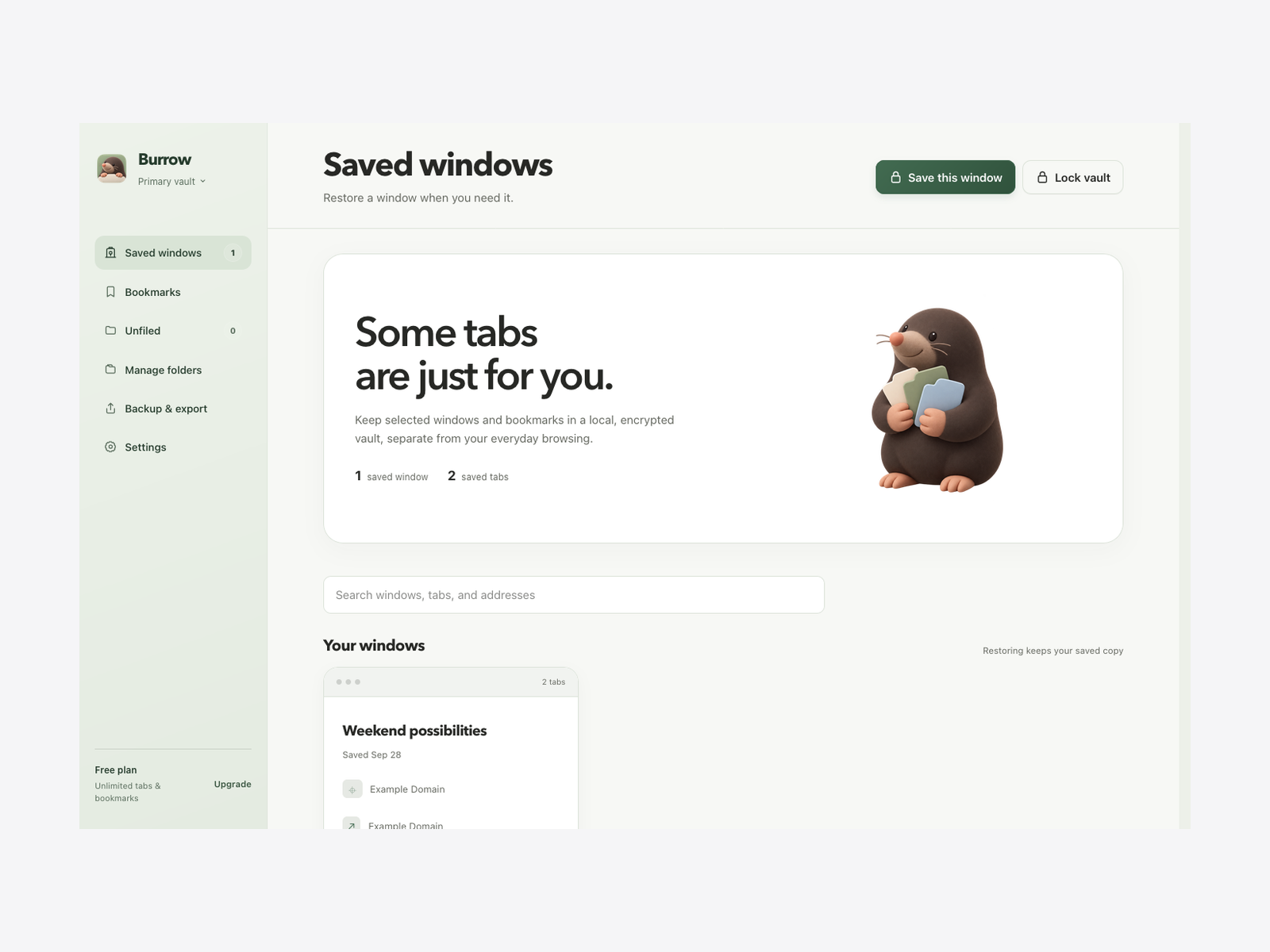
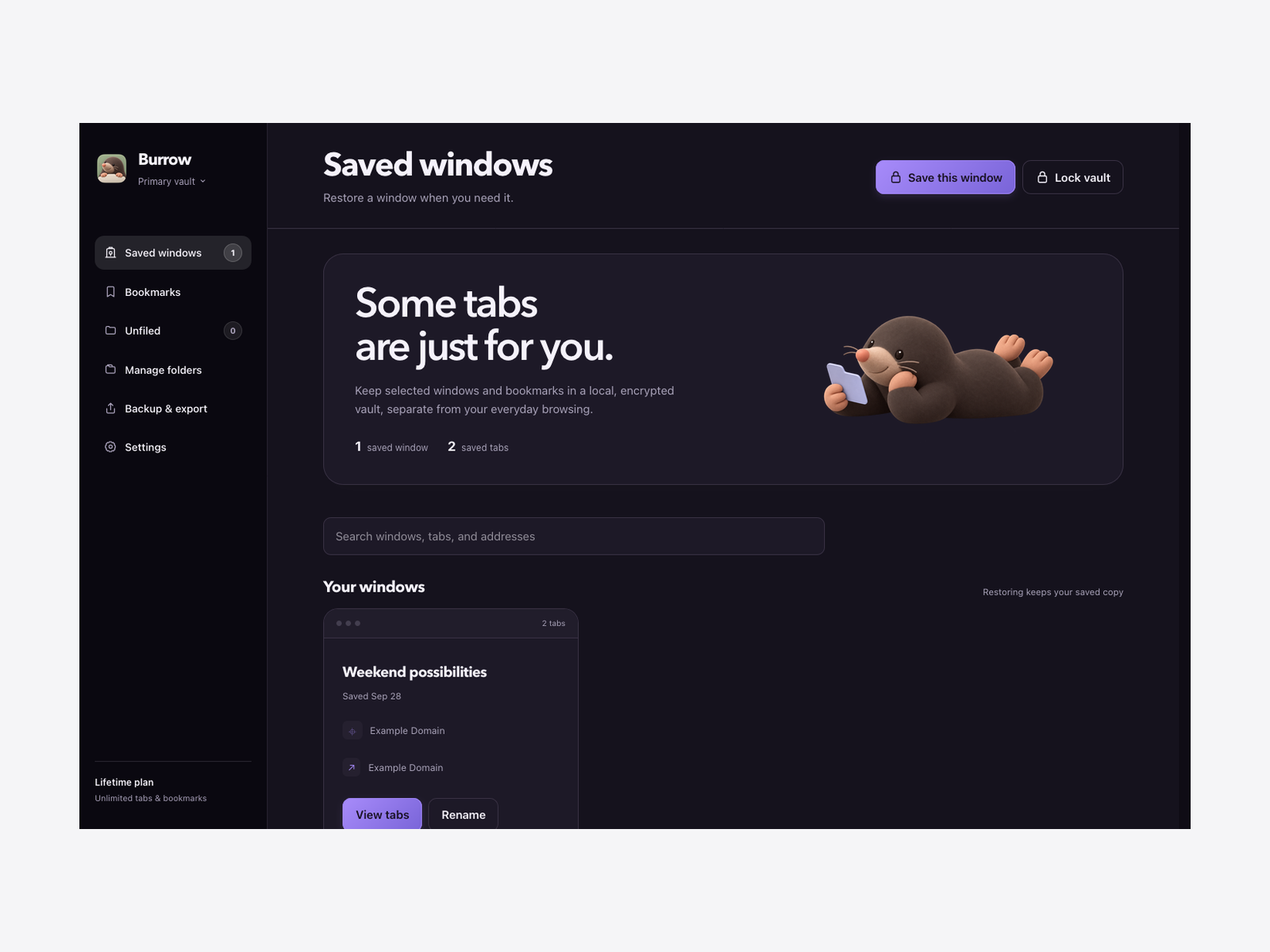
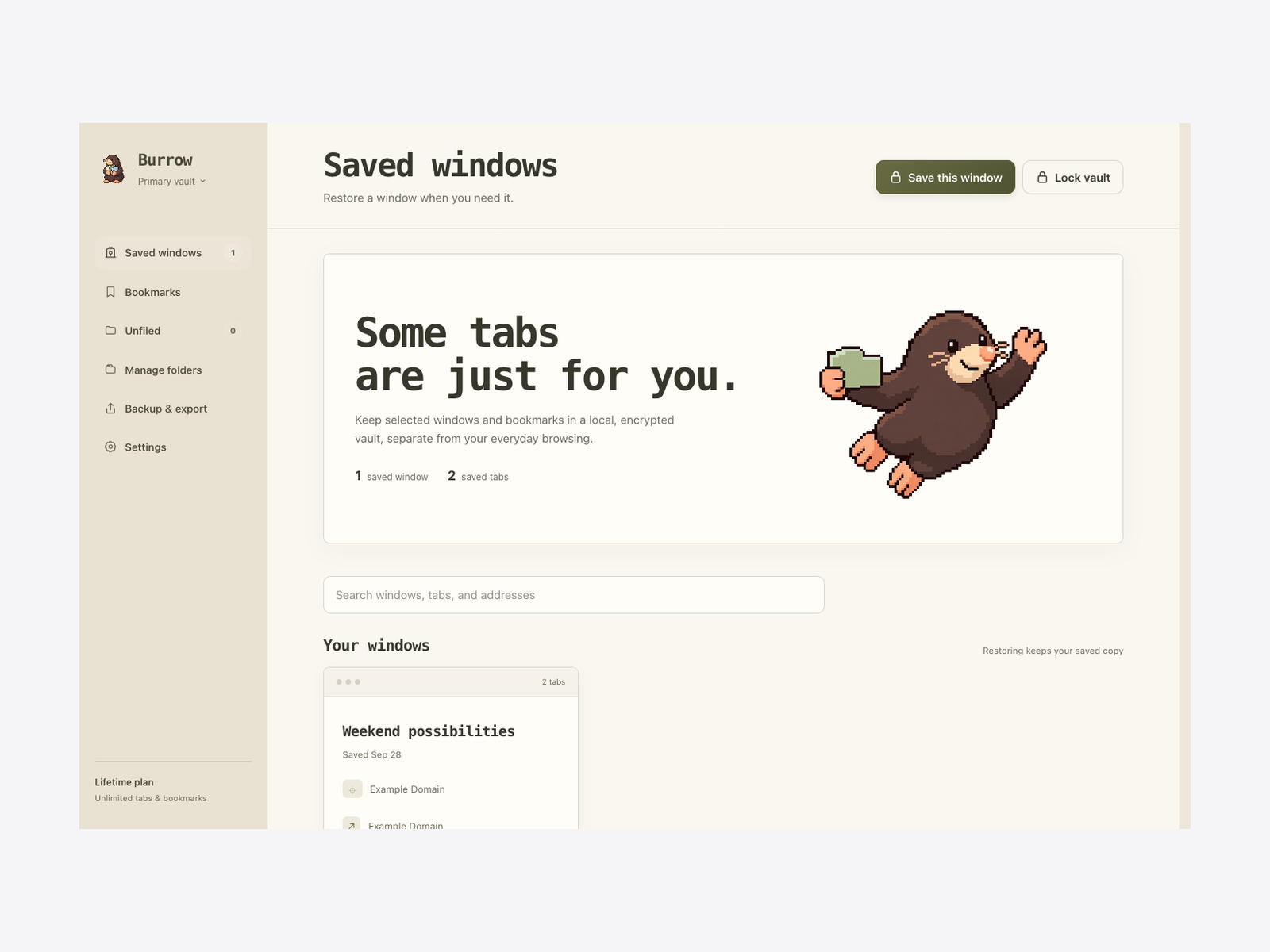
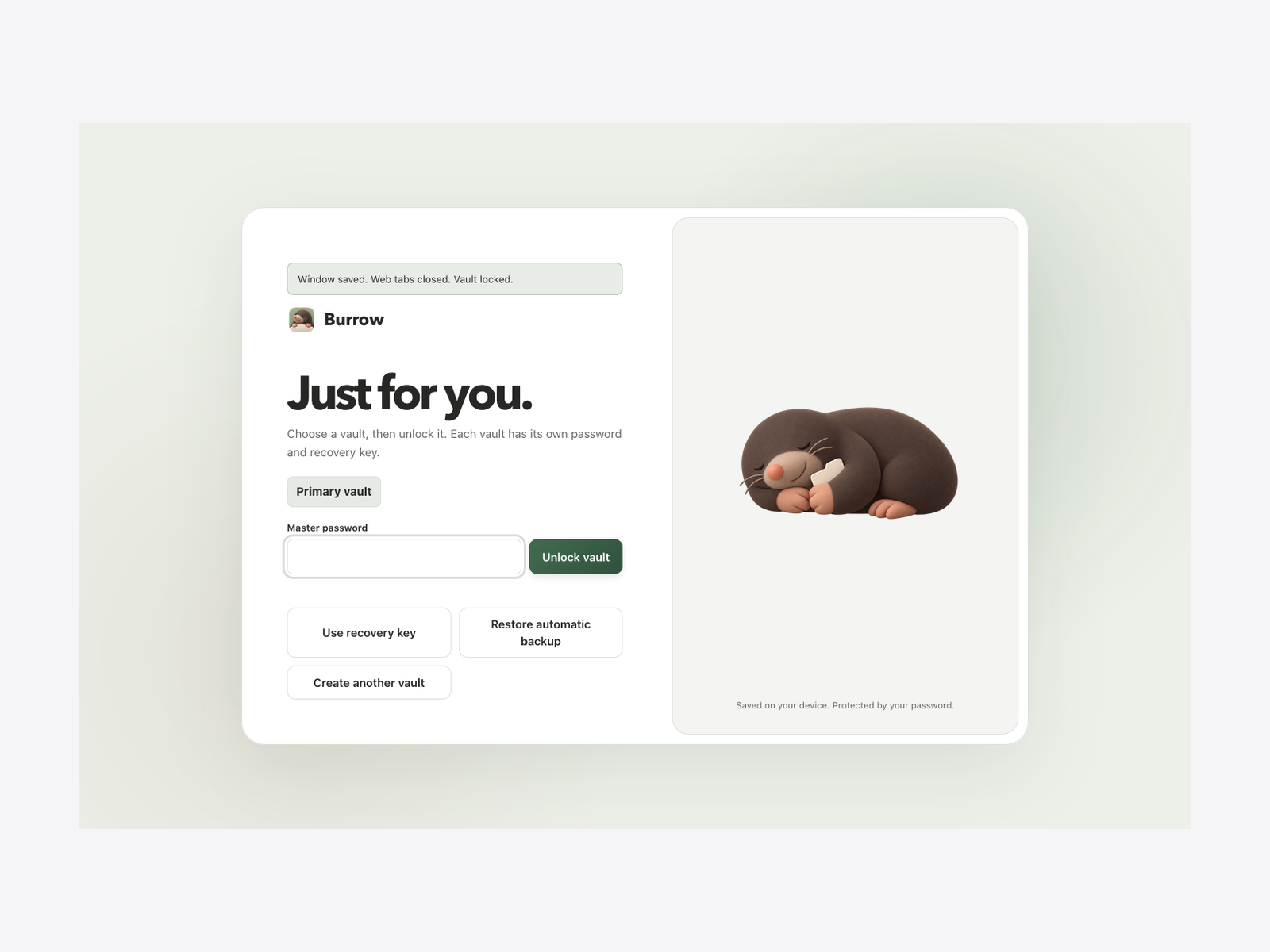

Your vault stays on your deviceBurrow encrypts saved windows and bookmarks locally. It has no cloud vault, account, or analytics.
A separate recovery keySave the key when you create your vault. Check it in Settings. The offline recovery kit can open your encrypted backup without the extension.
Permission when you need itWindow saving asks Firefox for tab access. Burrow does not request your browsing history or existing bookmarks.
Your tabs, in orderBring back a saved window with its tabs in the same order, including pinned and muted tabs. Open one page or the whole window.
Save as many tabs and bookmarks as you need. Encryption, search, folders, multiple vaults, restore, recovery, and export are all free. No plan-based storage caps.
Burrow saves an encrypted snapshot before closing its web tabs. A locked Burrow page stays open. Other Firefox windows are untouched. Closing tabs may interrupt forms, downloads, or media, so finish anything in progress first.
Burrow keeps each tab’s address and title, along with its order, pinned state, and mute setting. Pages load fresh when reopened, so save any drafts or forms before closing them.
Locking protects the saved tabs and bookmarks inside your encrypted vault. Firefox remains available, with its own history and recently closed tabs managed separately.
This release supports ordinary web tabs in a normal Firefox window. Private windows, container tabs, local files, and browser settings pages are not supported. Burrow leaves the tabs open if it cannot safely save the window.
Export an encrypted backup and import it on the other computer. Keep your password or recovery key separately. Burrow does not sync automatically.
Your recovery key can reset it. Without the password or recovery key, an encrypted vault cannot be recovered. Keep a downloaded backup too: local automatic copies do not survive removing the extension or losing the browser profile.