Good Burrow

Chat EchoFind that
conversation again.

Turn your ChatGPT export into a library you can read and search on your Mac. Open an old conversation and find the files that came with it.

$14.99 · One-time purchase

macOS 14 or later · ChatGPT data-export ZIP or folder

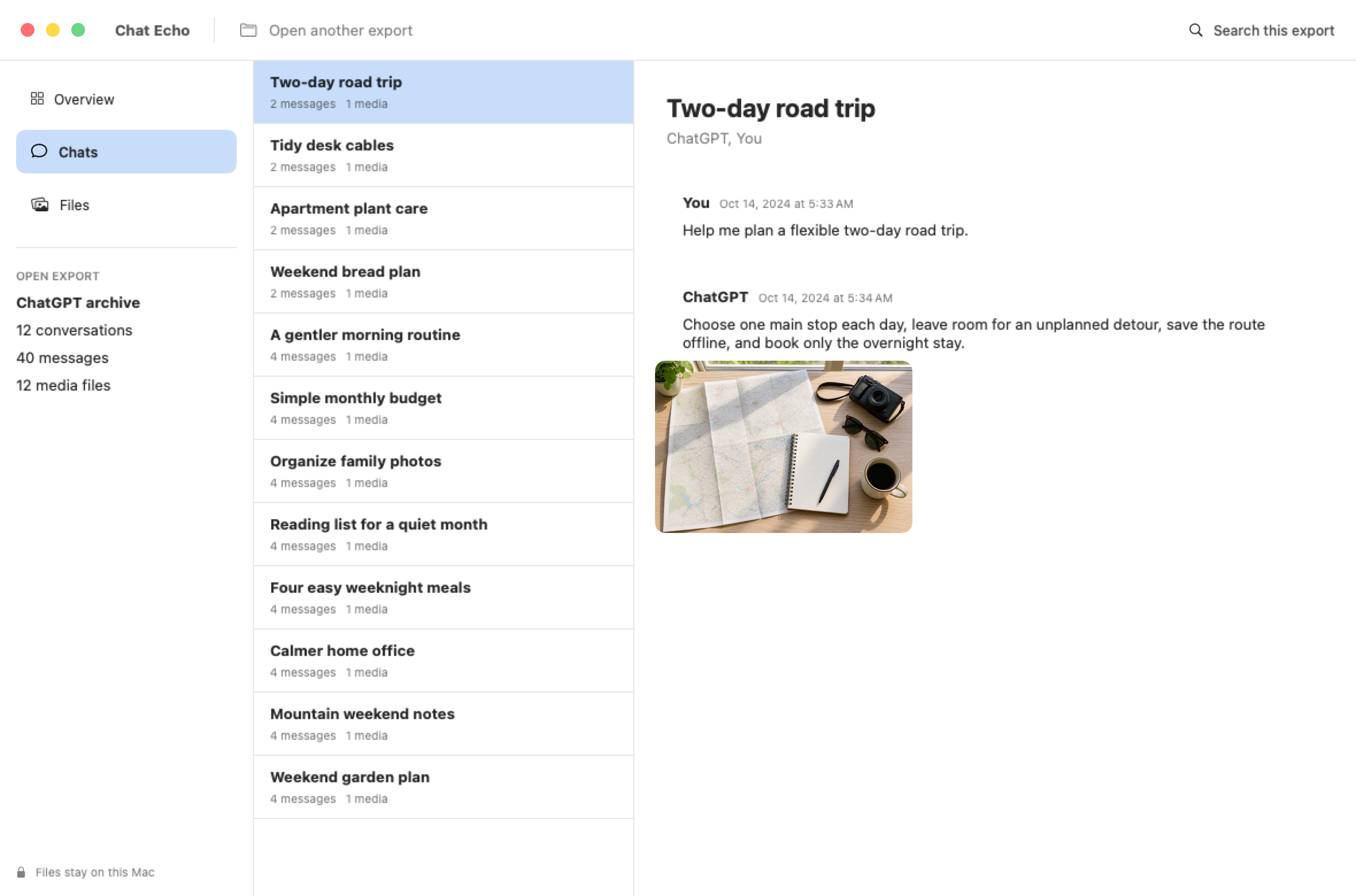
Chat Echo displaying an exported ChatGPT conversation

Your ChatGPT history on your Mac.

No ChatGPT loginOpen the copy supplied through ChatGPT's data export.
No uploadConversations and included files are read locally.
Original files remain intactChat Echo reads the export without changing it.
One purchasePay once for the app. There is no subscription.

How it works

Open the export you already own

1

Export your data

Use ChatGPT's Export data feature and download the ZIP it sends you.

2

Open it on your Mac

Select the ZIP or its extracted folder. Chat Echo finds the conversation data inside.

3

Browse and search

Read conversations by title, search their text, and open files included in the export.

Inside the app
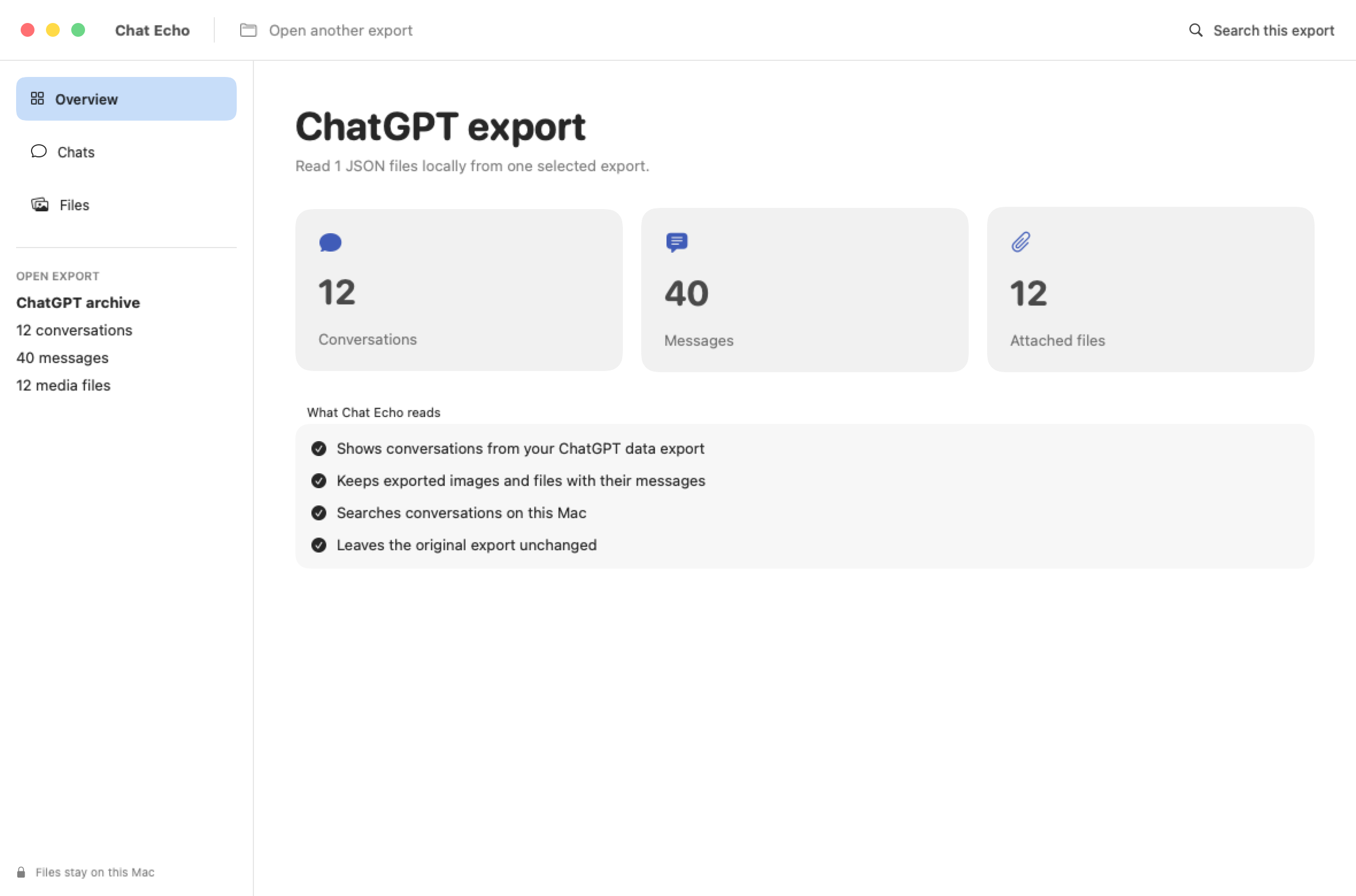
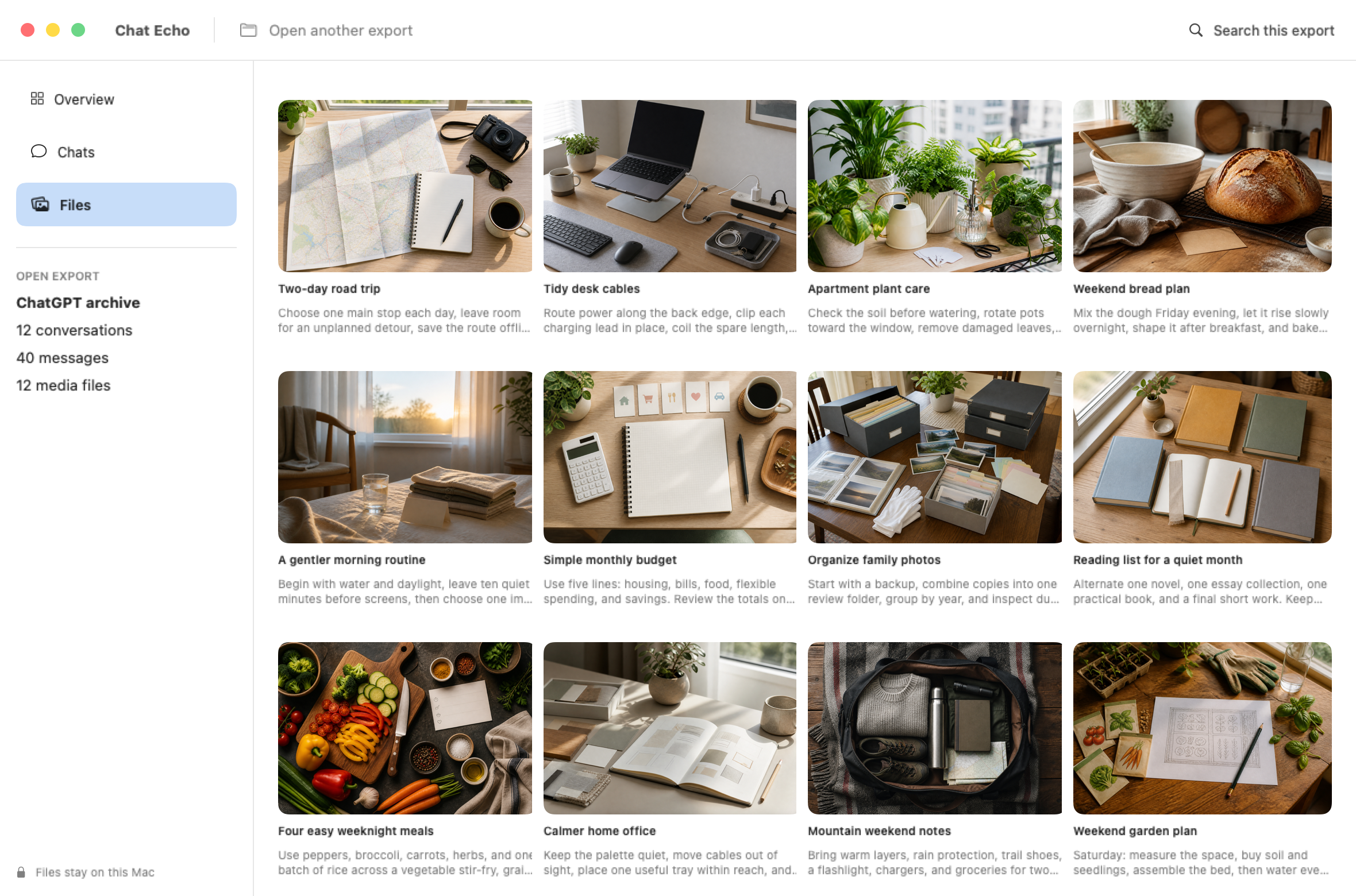
Conversations and files in one place

Chat Echo overview with conversation, message, and file totals
Chat Echo showing an exported ChatGPT conversation
Chat Echo showing a media gallery

Before you buy

What the app opens

  • Current systemDesigned for macOS 14 or newer.
  • First launchThis direct-download release is not notarized by Apple. If macOS blocks it, open System Settings, choose Privacy & Security, and click Open Anyway beside Chat Echo.
  • Supported inputA ChatGPT data-export ZIP or extracted folder containing conversations.json.
  • Conversation branchesThe current branch is shown first. Saved alternate branches appear as separate entries.
  • Export limitsThe app displays what is present in the downloaded export. It cannot retrieve information that is not in those files.
  • What the purchase includesThe current app version and its included instructions.

See the files it can open

Download the sample export used in these screenshots and inspect its contents yourself.

Download sample export